Almost every WhatsApp AI project hits the same architectural fork in week one: wire the agent to Meta's official WhatsApp Business Cloud API, or scan a QR code through an unofficial web bridge to get a prototype running in an afternoon. What looks like a harmless shortcut during a demo quickly turns into a question of phone-number survival, message delivery guarantees and operational accountability.
Illustrative scenario: the architectural walkthroughs in this guide describe design patterns for business WhatsApp AI agents and do not represent a specific customer deployment or legal compliance guarantee.
How the Two Connection Models Differ Under the Hood
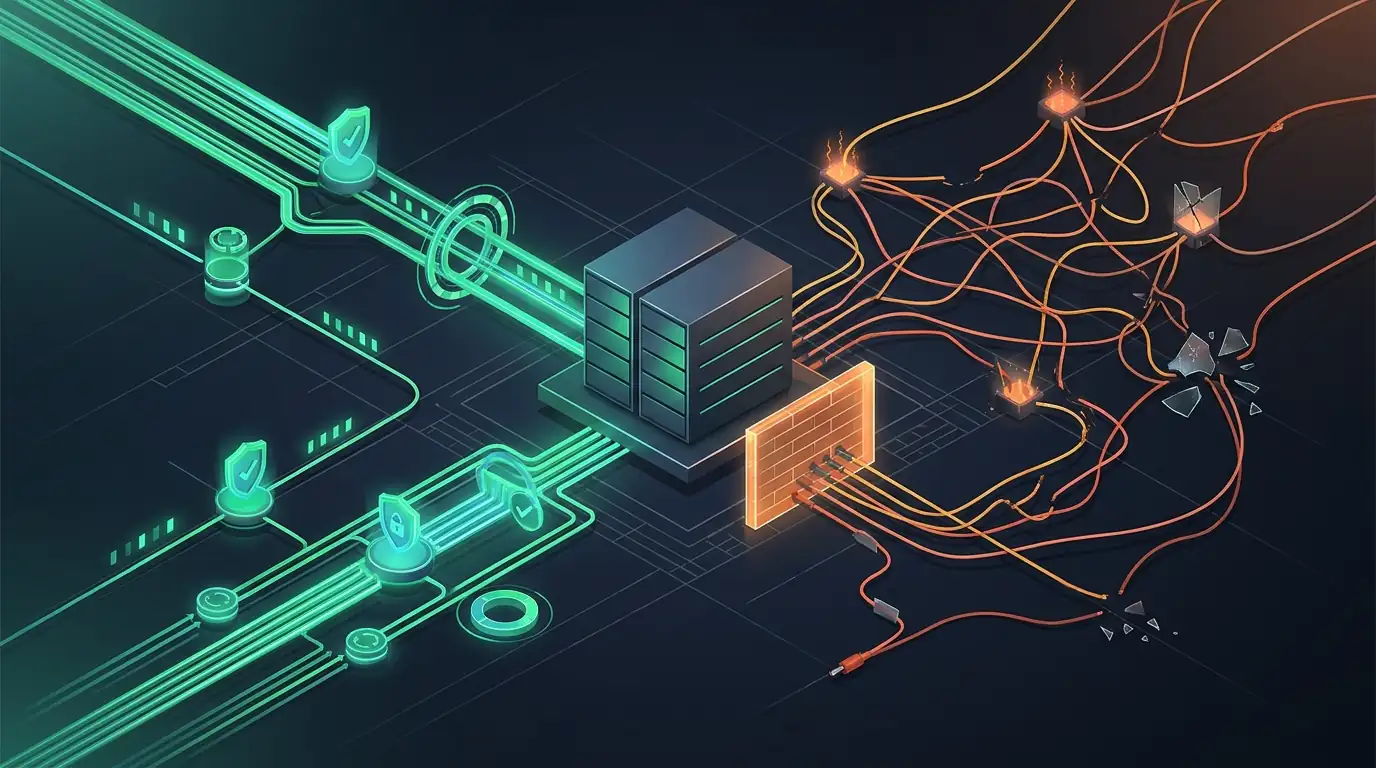
An unofficial bridge emulates a linked WhatsApp Web browser session. A headless process or third-party relay maintains a stateful socket connection, decrypts incoming messages and dispatches replies as though a person were typing in a browser tab. There is no platform-recognized distinction between reactive customer service and outbound messaging, and no signed webhook retry contract if your worker restarts mid-deployment.
By contrast, the official WhatsApp Cloud API operates as signed HTTPS webhooks backed by Meta's business messaging infrastructure. Every inbound text message, voice note, media attachment or interactive button tap arrives at your endpoint with a cryptographic signature and a deterministic message ID. Your intake layer verifies the signature, writes the event to a durable queue and acknowledges receipt immediately, long before the language model drafts a response.
Personal Local Workflows vs Customer-Facing Business Channels
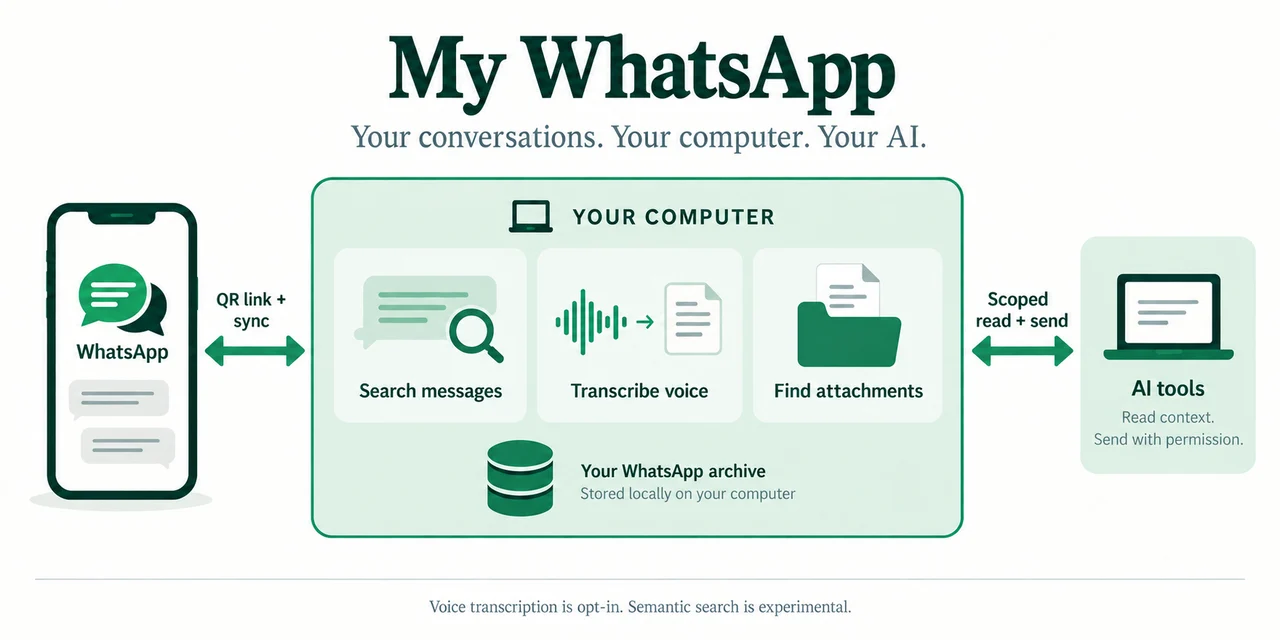
Context determines which tool belongs where. When an individual engineer or founder wants to search or summarize their own personal message archive locally on their laptop, an open-source local tool such as our open-source WhatsApp MCP project serves a clear personal workflow: data stays on the user's machine under their direct control.
Once a phone number belongs to a company's sales desk, dispatch team or support line, the risk profile changes completely. Running automated business traffic over an unofficial linked-device bridge exposes the organization to three structural hazards:
- Unannounced number suspension: Automated reply patterns over linked-device sessions violate platform business messaging rules and can lock the company's primary phone number during peak operating hours.
- Silent session drops and protocol churn: Upstream client updates or expired QR sessions sever message flow silently until an operator notices missing leads and re-authenticates the session manually.
- Missing window and template guardrails: Without native enforcement of the 24-hour customer service window and approved outbound templates, retry bugs can easily trigger spam blocks or duplicate customer messages.
Anatomy of a Resilient Cloud API Agent Pipeline
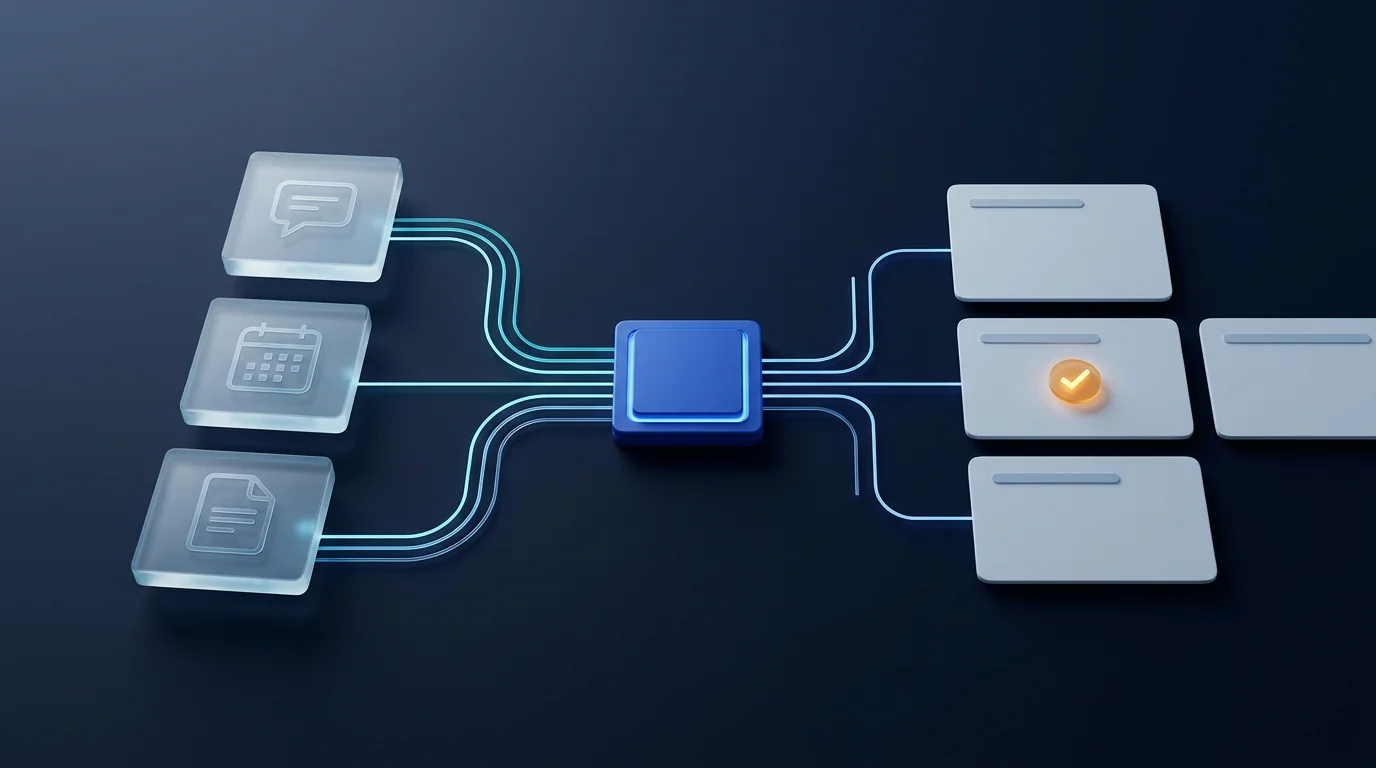
Consider an illustrative field-service business whose WhatsApp agent coordinates technician visits and order updates. A customer sends a short voice note after hours asking to move tomorrow's appointment earlier. Over the official Cloud API, the agent runs inside a deterministic pipeline rather than talking directly to a fragile browser socket:
- Signed intake and idempotency: The webhook gateway validates the request signature and records the inbound message ID in Postgres so webhook retries never book duplicate appointments.
- Explicit 24-hour session tracking: The conversation state machine tracks when the customer last wrote. Inside the active service window, the agent uses free-form replies and native interactive slot buttons; once the window closes, follow-ups route strictly through approved utility templates.
- Scoped tool execution: Transcribed audio passes into an agent whose calendar and custom AI CRM with MCP tools are strictly bound to the verified phone identity on that thread.
- Structured human handoff: Whenever a customer asks for a policy exception or a downstream booking API fails, the thread transitions to a human queue with a clear summary of verified facts and pending actions.
Illustrative failure drill: what happens when the scheduling API times out mid-conversation?
Instead of fabricating a confirmation or dropping the message silently, the durable worker stores the voice transcript and requested slot, sends a plain status reply explaining that a coordinator is finalizing the change, and opens a tagged task showing the remaining 24-hour reply window.
Coordinating Human Operators and AI on One Business Number
Operations leads frequently ask how human staff keep messaging customers once a number moves onto the Cloud API. Instead of passing a single physical phone around the office, the team works from a shared inbox or a conversation panel embedded directly inside the company's internal operations workspace.
That shift solves an organizational bottleneck beyond AI automation itself: every WhatsApp exchange attaches automatically to the customer record, ownership between the AI agent and a human coordinator is explicit, and the agent mutes its auto-replies the instant a staff member claims the thread until the operator hands it back.
Production Readiness Checklist Before Cutover
When scoping custom AI agent engineering for customer messaging, locking down five operational boundaries early prevents painful rewrites later:
- Separate sandbox numbers from production: Validate webhook retries, media downloads and edge cases on a dedicated test number before migrating a live business line.
- Use native interactive buttons for critical confirmations: Present appointment times, branch choices and confirmations as structured Cloud API reply buttons rather than relying on ambiguous free-text replies.
- Protect quality ratings with clean opt-out handling: Keep outbound utility templates concise and honor stop or opt-out replies immediately in your database before the model runs.
- Treat all inbound text and media as untrusted input: Scope every MCP lookup to the authenticated thread's customer record so prompt injection inside a message or PDF can never query another account.
A fast demo bridge becomes expensive the day your business depends on the number.
If WhatsApp is a real revenue or service channel for your team, anchor the architecture on the official Cloud API with idempotent webhooks, scoped MCP tools and a transparent human handoff queue.