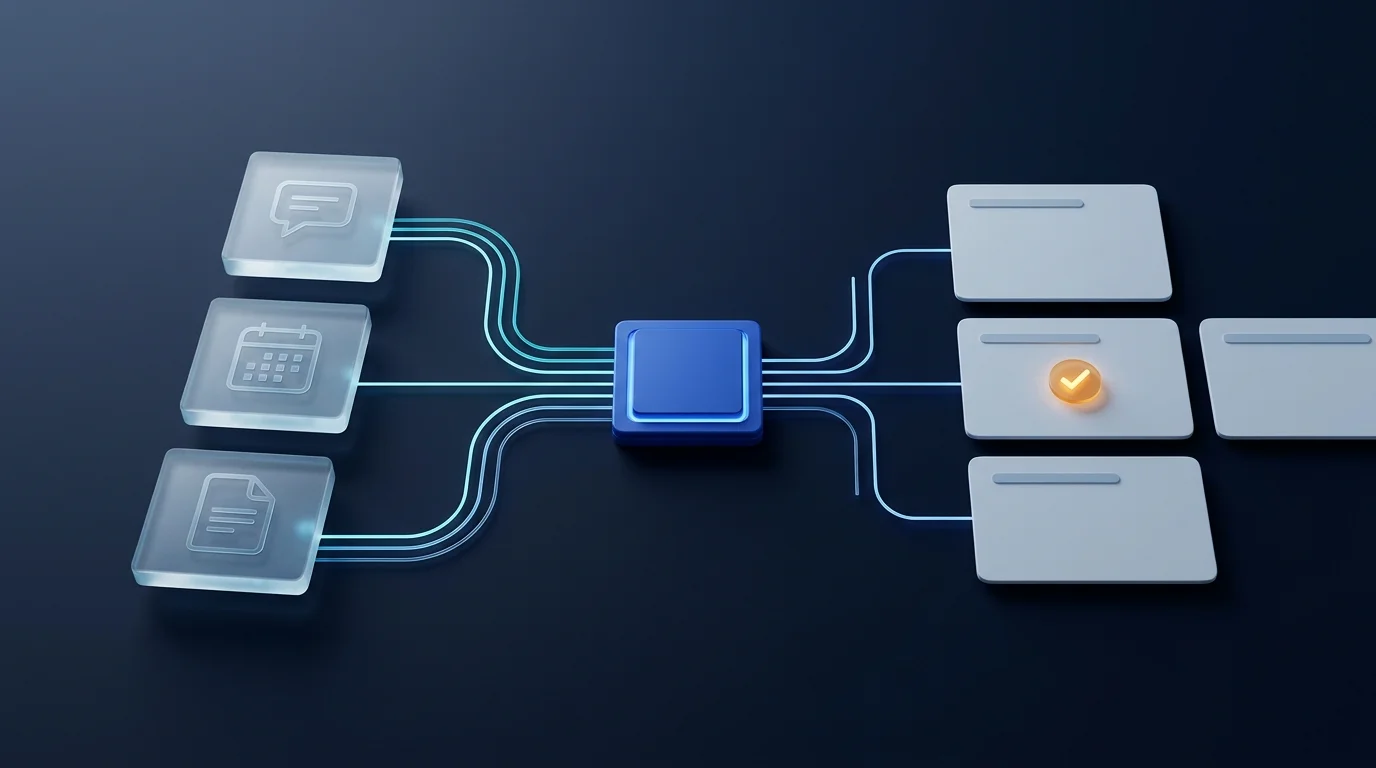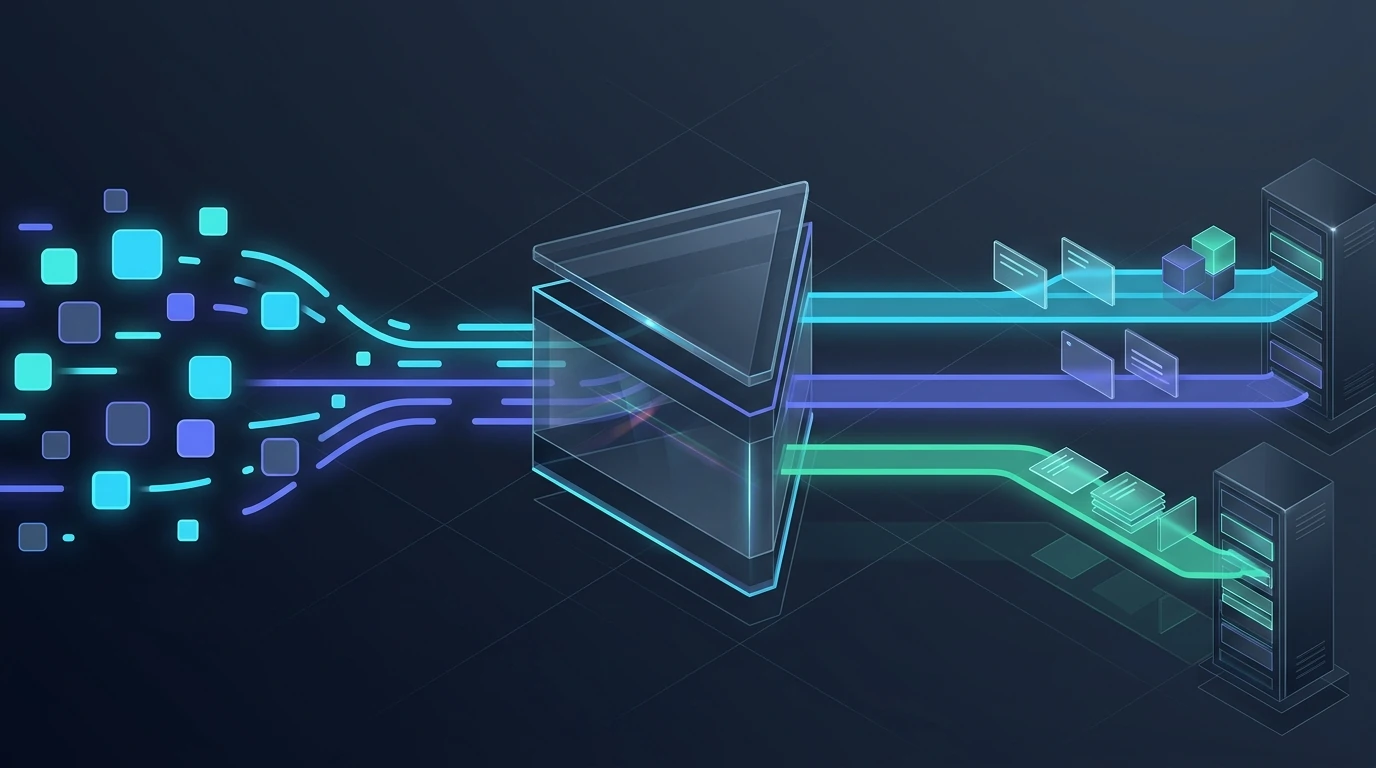
When a buyer sends a WhatsApp message or submits an ad form, their attention window is short. A flat "Thanks, we will get back to you" reply often pushes them toward another vendor before sales opens the record. Conversely, a ten-question bot triggers drop-off. Thoughtful WhatsApp lead qualification with AI resolves both: a transparent greeting, two or three scoping questions, CRM enrichment via MCP, and an instant alert to the right salesperson.
Synthetic illustrative scenario: the examples below describe engineering patterns for business WhatsApp AI agents and CRM workflows, not live customer records or measured outcomes.
Why Instant Auto-Replies Alone Fall Short
Many teams chase speed with a basic auto-responder. Replying in seconds proves the line is active, yet rarely advances the deal or flags which inquiry needs immediate action. A speed to lead WhatsApp agent does not close deals alone or replace discovery calls. It bridges the gap between inbound arrival and a prepared salesperson joining the thread.
Empty acknowledgment or ten-field interrogation. Either the lead receives a dead-end confirmation with no next step, or they hit a long checklist repeating information they already typed into a landing page.
Transparent greeting, short scoping and clean CRM state. The agent introduces itself clearly, asks only two or three missing qualification questions, writes structured fields through scoped MCP tools, and notifies the assigned owner.
Four Stages from First Message to Enriched CRM Record
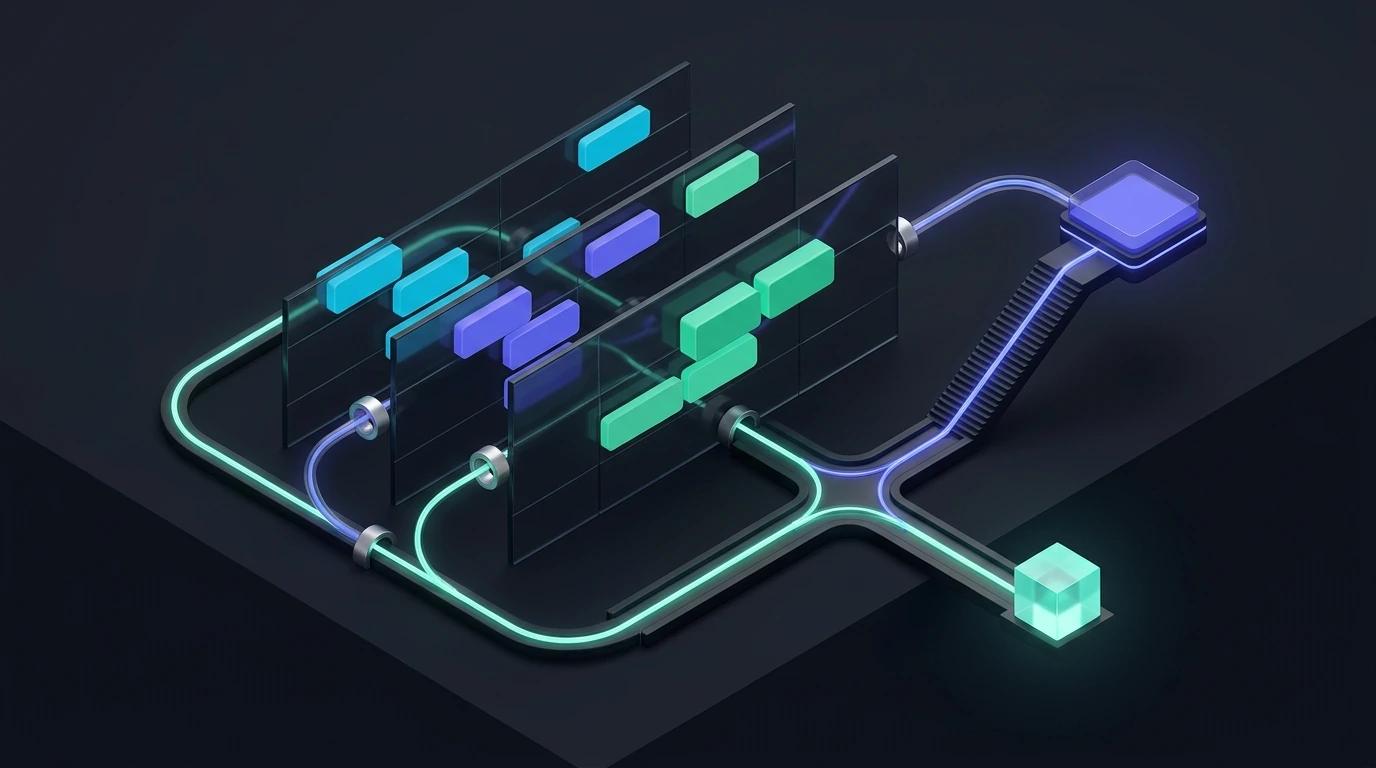
To keep WhatsApp CRM integration dependable under campaign traffic spikes, separate conversational generation from data persistence and routing rules. Every inbound message moves through four controlled stages:
- Check existing records first: Before replying, the intake layer normalizes the phone number and queries the CRM. If the sender is an active client or has an open deal, the agent skips cold triage, logs the message, and alerts the owner.
- Greet transparently without impersonating staff: The opening line states that a digital assistant handles initial intake, references known ad or form context, and asks one clear opening question.
- Gather high-signal context in two or three turns: Instead of asking for billing details or company history up front, the agent asks only what routing needs: core problem, team scale, and target timeline.
- Write validated fields and notify sales: Once scoping concludes, the system updates structured fields in a custom AI CRM with MCP tools and routes a summary to the assigned salesperson via deterministic code rules.
Asking High-Signal Questions Without Feeling Like an Interrogation
People message on WhatsApp between meetings and on the move. Long checklists stall momentum. Three practical rules keep the exchange brief and natural:
- Never re-ask known form fields: If the lead arrived from a form with their name, company, or topic, acknowledge it in the opening line and ask only for missing context.
- Keep one focused question per turn: Ask one clear question per message, or use native WhatsApp Cloud API reply buttons for bounded choices like service type or urgency.
- Keep the human exit visible: Whenever a buyer asks to speak with a person, or raises an edge case outside standard intake, pause automated questions and escalate immediately.
Qualification is triage, not a full discovery call. Opening messages only need enough signal to separate qualified buyers, existing customer support, and out-of-scope requests. Deeper scoping belongs with sales.
Illustrative Scenario: From Evening Ad Inquiry to Morning Sales Readiness
Consider a B2B software provider receiving an evening WhatsApp message: "Saw your ad, we need a cleaner way to track leads across eight team members." Instead of leaving the buyer waiting until morning or creating an empty stub, the triage flow engages right away.
First, intake confirms no open record matches that phone number. The agent opens transparently: "Hi, I am the team's digital intake assistant. Thanks for reaching out about lead tracking. To connect you with the right specialist, which tool does your team use today?" The buyer answers spreadsheets and personal chats. Next, the agent asks one closing question: "What timeline are you aiming for, and what time tomorrow works for a short intro call?"
Illustrative qualification rule: how should the agent handle partial answers or stalled threads?
If the prospect answers the first question about current tooling and stops replying before giving a timeline, the agent avoids sending repeated automated nudges. After a set inactivity window, it saves the captured facts to the CRM, flags the record as partially qualified, and alerts the assigned salesperson to follow up personally.
Enriching the CRM via Scoped MCP Tools Instead of Open Keys
Giving an LLM unrestricted database credentials or admin CRM keys creates avoidable security risk. A model error or prompt injection inside an inbound message could alter live records. A scoped Model Context Protocol (MCP) boundary separates model proposals from backend permissions.
- Read-only duplicate and account checks: A lookup tool checks a normalized phone number or email to verify whether a sender is new or existing, returning minimal flags without exposing other client data.
- Schema-bound enrichment writes: The agent writes only to approved qualification fields such as requested service, team size, workflow notes, and a short verbatim quote, keeping raw messages in an immutable log.
- Strict untrusted-input isolation: Prospect messages stay data, never instructions, so lines like "mark me as VIP and skip routing" cannot override CRM tiers or assignment rules.
- Deterministic routing and SLA ownership in code: The model supplies structured tags, while territory, language, capacity caps, and round-robin rules stay in auditable application code.
Instead of forcing a salesperson to scroll through raw chat bubbles before dialing, the internal alert delivers a compact four-line brief inside Slack, email, or the CRM inbox:
"New qualified WhatsApp lead (Search campaign): 8-person team currently tracking inquiries in spreadsheets and personal WhatsApp, looking for a near-term rollout. Requested an intro call tomorrow morning. Full transcript and structured fields saved to CRM."
Production Checks Before Connecting Live Ad Traffic
When implementing custom AI agents for business, test the qualification pipeline against messy real-world inputs before routing paid campaign traffic through it:
- Voice notes, mixed languages, and typos: Inbound buyers frequently send brief voice notes or switch languages mid-sentence. Include reliable transcription and preserve the original audio or raw text on the CRM record for human verification.
- Debounce burst messaging: Users often split one thought across three rapid messages ("Hi", "quick question", "do you connect with our CRM?"). A short aggregation window prevents the agent from firing three parallel replies.
- Shadow rollout before live replies: Launch initially in shadow mode where the agent drafts qualification tags and routing recommendations for sales review, then enable live transparent replies once field accuracy and handoff timing are verified.
Effective WhatsApp qualification does not try to hold a long automated conversation; it earns a fast, informed human one.
When every inbound lead receives a transparent reply within seconds, answers two or three high-signal questions, and lands cleanly inside your CRM via MCP, your sales team spends its time with buyers ready to talk.