Almost every growing operational business eventually hits the spreadsheet ceiling. Leads land in one Google Sheet, delivery schedules live in a color-coded workbook only the dispatch lead understands, customer promises sit buried in WhatsApp groups, and a rigid SaaS CRM stays half-empty because per-seat licensing locks out coordinators and field staff. Yet fear of halting daily work during a weekend cutover convinces teams to postpone fixing the foundation.
Illustrative synthetic scenario: the migration phases and examples in this guide describe architecture patterns for a custom AI CRM with MCP and do not depict client records or live production metrics.
Why Big-Bang CRM Cutovers Fail Operational Teams
Traditional CRM rollouts rely on a tempting illusion: freeze edits on Friday evening, import every sheet on Saturday, and expect sales, dispatch, and finance to work inside unfamiliar screens on Monday morning. In practice, an operational spreadsheet is never passive storage. Over years of daily pressure, its columns accumulate unwritten business rules, formulas, and informal handoff signals.
Forcing an all-at-once switch triggers three predictable breakdowns. First, uncleaned rows with duplicate phone formats, merged cells, and inconsistent account names pollute the new system immediately, eroding staff trust. Second, whenever an exception lacks a dedicated field, coordinators spin up a side sheet just to keep orders moving. Third, connecting an AI assistant over half-migrated records scattered across sheets and chats yields incomplete summaries nobody trusts during a live call.
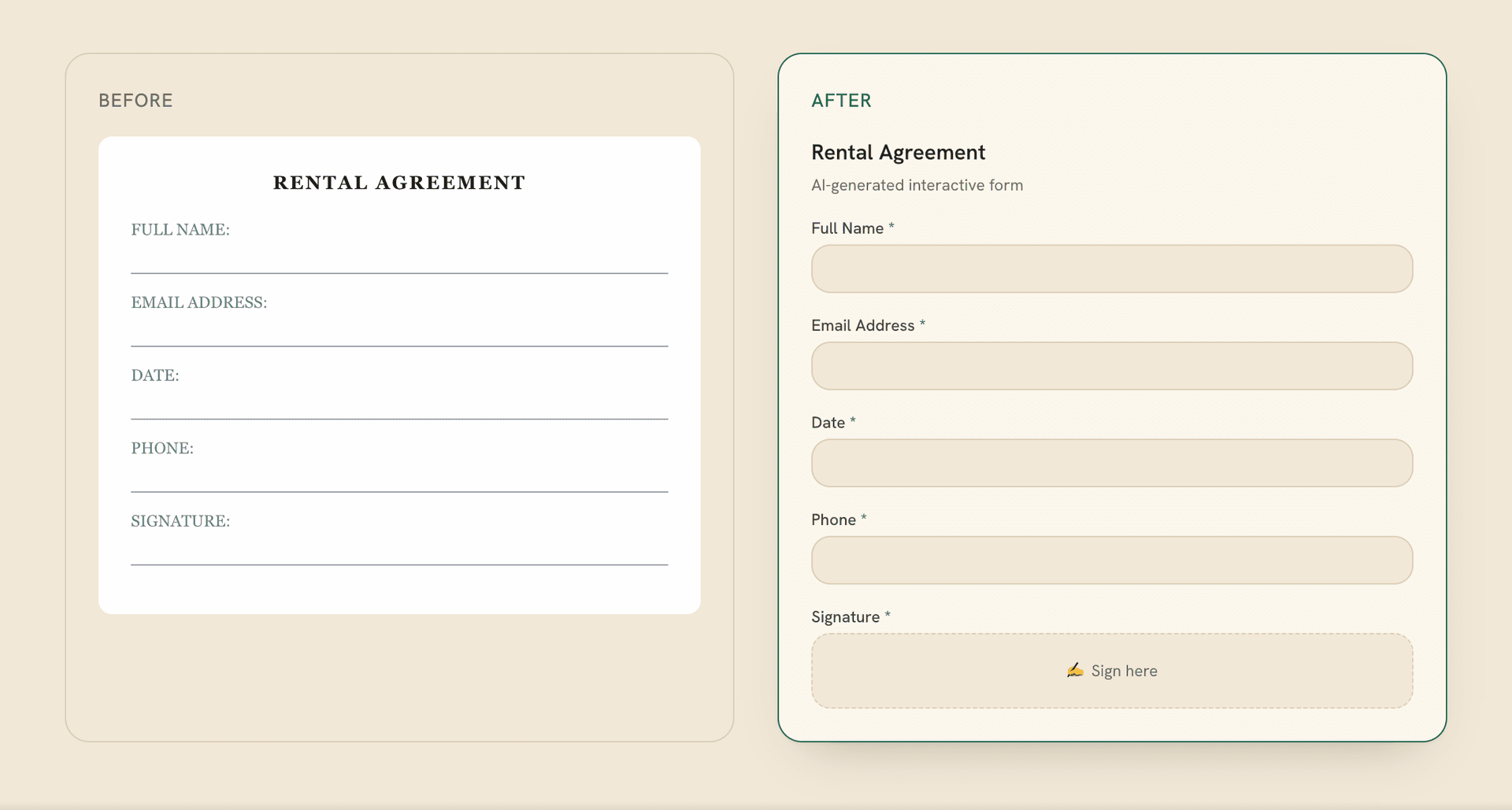
Bulk import and Monday-morning disruption. Uncleaned rows and missing edge-case fields erode staff trust immediately, pushing coordinators right back into shadow spreadsheets.
Clean relational core, bounded sync, and rollout waves. Workflows move one bottleneck at a time while read-only MCP tools deliver cited account briefs mid-migration.
A safer discipline treats CRM replacement as an incremental migration: build a clean relational core owned by the business, run bounded sync bridges during coexistence, ship read-only AI context and MCP tools early, and retire legacy sheets one workflow wave at a time.
Step 1: Model Canonical Entities Before Designing Screens
In a typical spreadsheet, one flat row tries to represent five concepts simultaneously: the customer company, the caller, the service site, the quote, and fulfillment status. Once an existing customer orders work for a second branch, staff duplicate the row, edit half the cells, and introduce permanent data drift.
Before building interfaces during custom product and core system development, decompose flat rows into explicit relational tables in Postgres:
Separating Master Records from Timeline Activity
Define strict boundaries between Accounts, physical Sites, Contacts matched by normalized phone and email, commercial Quotes, and operational Work Orders. Alongside structured tables, create an append-only Timeline Events table capturing inbound messages, call transcripts, files, and notes without overwriting current status fields.
Deterministic Keys and Historical Note Quarantine
Years of free-text spreadsheet comments hold real value, such as gate codes or delivery window constraints. Rather than discarding those remarks or forcing messy strings into typed columns, import legacy comments as badged archive timeline entries carrying provenance metadata (workbook, tab, and row number). Staff gain instant search across historical context while keeping the relational schema clean.
Step 2: Run Bounded Sync Bridges Under Single-Writer Rules
Consider an illustrative scenario involving an equipment supply and installation business tracking leads in a shared Google Sheet, pricing in a sales workbook, and technician updates in regional WhatsApp groups. Instead of disrupting every team at once, a transition bridge streams live activity into the new CRM core while legacy habits phase out.
Importing denormalized rows without splitting Accounts, Sites, and Work Orders preserves duplicate customer state and prevents MCP tools from assembling reliable briefs.
Allowing both a legacy workbook and the new CRM to edit the same field concurrently guarantees silent overwrites that surface only when an order goes wrong.
Preventing silent overwrites during coexistence requires four strict invariants:
- Single write authority per domain field: At every stage, one system owns write permission for each field group. Once lead intake moves into the CRM, corresponding sheet columns become read-only mirrors.
- Idempotent ingestion with row-hash tracking: Sync workers compute external keys and content hashes for each imported row so retries never spawn duplicate accounts or repeated tasks.
- Explicit quarantine queues instead of silent drops: Rows with malformed phone numbers or unknown status labels route into a review queue rather than crashing sync jobs or vanishing.
- Field-level provenance on every record: Every transition logs whether it came from a legacy sheet bridge, a web webhook, or a staff member.
Step 3: Ship Read-Only MCP Tools and AI Summaries First
An incremental architecture lets teams unlock practical value from business AI agent engineering mid-migration, well before retiring the final workbook. Once the relational core aggregates accounts, imported sheet notes, and live threads, expose an internal Model Context Protocol (MCP) server offering role-scoped read and summarization tools.
At this stage, the assistant holds zero autonomous write permissions over commercial terms or outbound messages. Its job is eliminating tab switching. Before returning a call or dispatching a crew, a coordinator asks for an account brief. The assistant calls read-only MCP tools to inspect active sites, open quotes, recent WhatsApp transcripts, and archived sheet notes, returning a concise summary where every claim links to its source record.
Migration checkpoint drill: what happens when an archived sheet note contradicts a new work order?
Rather than letting a model guess which row is right, the MCP tool flags the conflict explicitly: showing an imported sheet note warning about restricted truck clearance alongside a new order requesting standard pallet delivery. Once a coordinator confirms the true site rule, that verified decision updates the canonical Site record.
Step 4: Retire Legacy Sheets Wave by Wave
Because a custom operational CRM carries zero per-seat subscription penalties, sales reps, dispatchers, warehouse staff, technicians, and finance coordinators can all work inside tailored role views across four measured rollout waves:
- Wave 1, Lead intake and identity deduplication: Route web inquiries, phone logs, and WhatsApp intake directly into the new CRM queue, and lock manual row creation on the old leads sheet.
- Wave 2, Quoting and sales-to-operations handoff: Move proposal building into structured CRM views backed by catalog rules, using MCP drafting tools to prepare onboarding briefs upon human quote approval.
- Wave 3, Dispatch and mobile field updates: Give technicians and coordinators mobile-friendly task views tied to Work Orders so completion photos and site notes attach straight to the customer timeline.
- Wave 4, Bridge retirement and read-only archival: Once workflows run natively in the CRM, export read-only snapshots of remaining sheets, revoke edit permissions, and turn off sync workers.
Readiness Signals Before Locking Each Legacy Tab
Before freezing edit access on any legacy spreadsheet tab, verify four operational readiness signals with daily operators:
- Clean reconciliation across two business weeks: Every new inquiry, quote, and work order lands accurately in Postgres without unresolved rows piling up in quarantine.
- Faster routine execution: Logging updates, checking branch history, or handing off an approved deal takes fewer clicks inside the CRM than filtering shared spreadsheets.
- First-class handling for messy exceptions: Split deliveries, rescheduled visits, and multi-site contacts fit naturally into the schema so staff feel zero need for shadow sheets.
- Audited role permissions and human sign-off: Each department uses MCP tools scoped to its role, and every AI summary or draft keeps explicit source citations and human approval.
A successful CRM migration is not a Monday-morning gamble; it is a calm sequence of retired bottlenecks.
Model clean relational entities around your highest-friction handoff first, connect read-only MCP context tools for immediate relief, and phase out spreadsheets one verified workflow at a time.