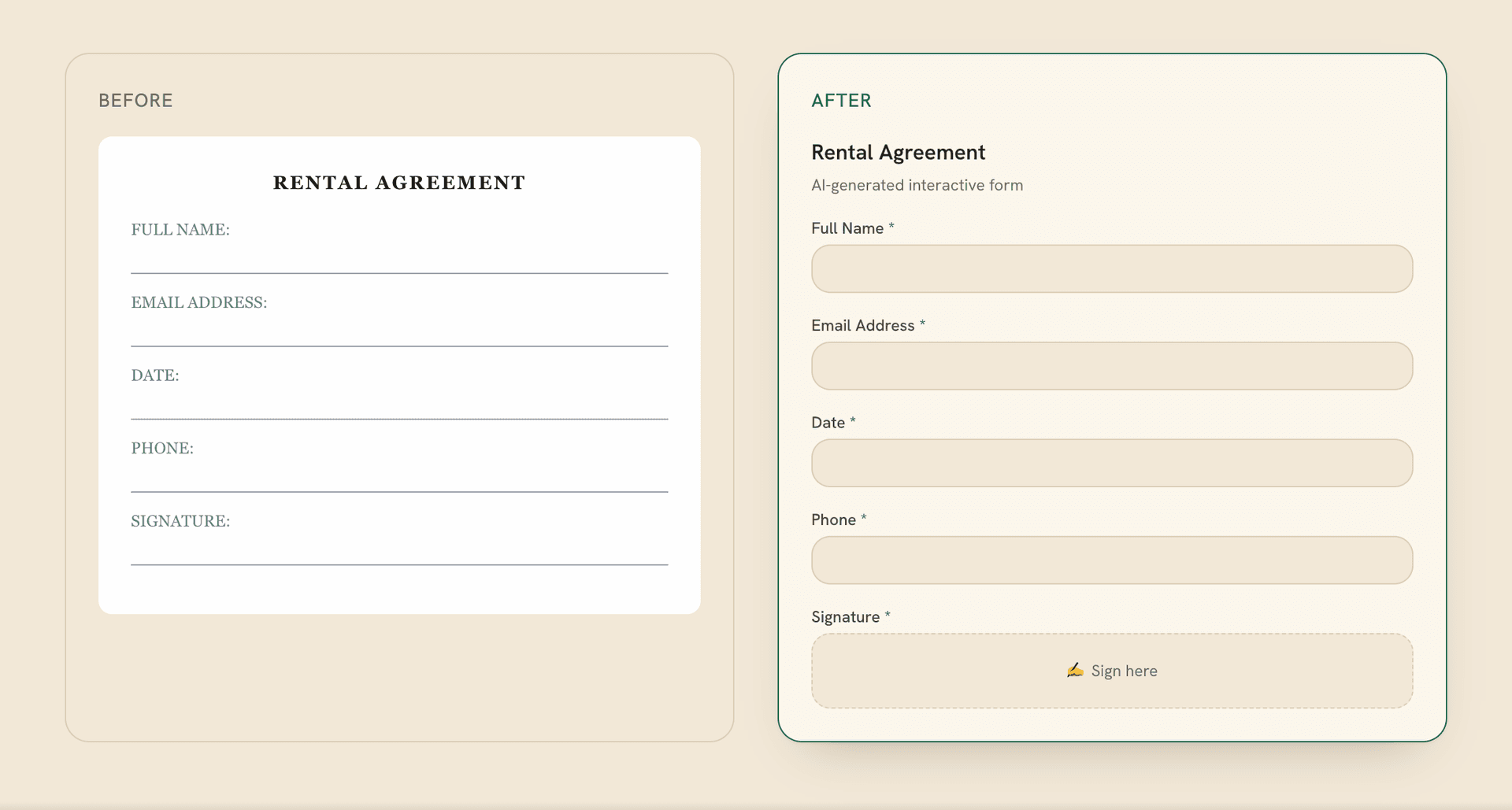
An operations team needs an intake form. Someone must decide what to ask, when a follow-up matters, and where the answers should go after submission. The screen shows fields and a button. The work sits in the connections between them. Formalingo, a product built and operated by DevShift, gives us a concrete way to examine those connections.
Implementation walkthrough based on local source reviewed on November 3, 2026. It does not establish the public site's deployed version or report customer outcomes.
Start with the job waiting after Submit
A form belongs inside a process. The person filling it out wants to finish and move on. The person receiving it needs enough information to take the next action. Both perspectives matter. An extra question may help the receiving team while adding work for everyone who opens the form.
Our approach starts with a practical question: what decision will this answer support? That brings missing information, existing context and occasional follow-ups into the conversation before field order or button styling.
Formalingo's implementation has three connections worth examining: a request becomes a plan, the plan becomes questions with consistent behavior, and a completed response becomes work for another system. The Formalingo product page covers the wider product. Here, we will look at how those connections work.
The first screen is a plan you can change
A request in everyday language leaves room for interpretation. Naming a form does not settle its questions, required answers or follow-ups. Formalingo has a conversational planning stage: the AI proposes a plan, can ask clarification questions, and lets the creator keep refining the request.
The separation exists behind the screen, too. The planner has a tool for requesting human answers and no tool for writing the form. Creation follows the person's explicit Build Form action. The interpretation therefore appears as something the creator can read and change before it becomes a question structure.
There is also a Build Form Anyway option. This offers a chance to clarify and review, rather than enforcing detailed approval of every part. Our engineering takeaway is to give people something specific to correct. A visible plan supports that conversation; it does not prove perfect understanding.
The public form creation guide also describes adding questions and publishing.
Let the next question follow the answer
Once questions exist, their relationships need attention. Conditional logic can show or hide a question based on an earlier answer. The interesting moment comes when someone changes that answer. The form must adapt, including what happens to a follow-up they already completed.
Illustrative example only: an intake form asks “How should we contact you?” with Email, Phone and Other as options. Other reveals “Please tell us how to contact you.” If that follow-up is required, it must be answered on this branch. Switching back to Email hides it, so that detail is no longer required on the current branch.
In Formalingo's browser implementation, an answer is cleared when its question becomes hidden. Otherwise, a new choice and an old explanation could tell conflicting stories. Visibility changes therefore affect the answer held in the browser as well as what appears on screen. The public conditional logic documentation explains the show and hide rules.
Check what is required again at submission
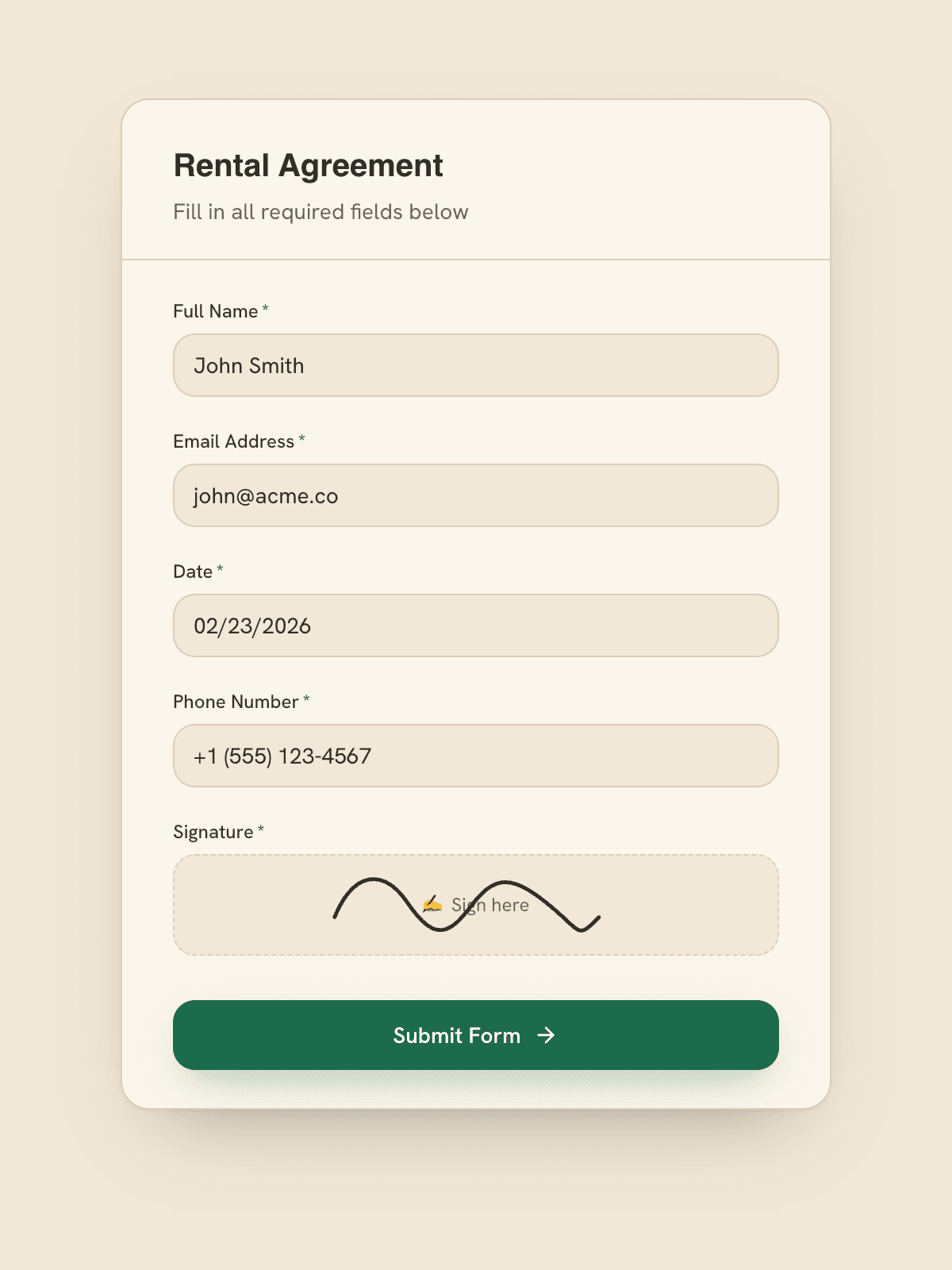
The browser is where someone fills out the form. The server also decides whether it can be completed. Different interpretations create a frustrating possibility: the screen allows progress, then submission fails over a question that no longer applies.
Formalingo shares its rule evaluator between browser and server. At completion, the server recalculates which questions are visible, excludes hidden answers from that evaluation, and checks active required questions. If answers are missing, it returns the missing question labels so the next step can be specific.
In our example, the requirement follows the current contact choice. There is no useful reason to demand an answer to a follow-up the current branch hides. Our takeaway: share the decision rule, then check it again where completion is accepted. The experience and its enforcement need to describe the same form.
Keep completed separate from received
A response can be complete while the next system has yet to confirm receipt. Collapsing both facts into one status makes it harder to tell where work stopped.
Formalingo records the completion status, completion event and integration dispatch together in a database transaction. The completion state and the record of its next handoff are saved as one unit. Repeated completion checks retain the same occurrence identity, rather than treating every check as a new business event.
Completion is recorded with the event and handoff needed to continue the process.
This has its own state. Downstream handling can be pending, complete or unknown.
Consider a connection timing out before confirmation arrives. The destination might have accepted the information, or it might not have. The engineering decision is to check the destination's state before deciding to send again. A timeout alone does not establish that nothing happened. A recovery policy must account for that uncertainty.
The public workflow events documentation explains how events such as form completion can notify another system. Local completion and external confirmation remain separate facts.
Tell people what needs fixing
Some inputs need attention before planning can begin. File-based planning checks for missing files, unsupported types, excessive size, and empty or unreadable content. These are points to stop and explain the problem before trying to construct a form from unusable material.
The required-question check follows the same principle. A missing question label gives someone a place to return to. A general failure leaves them guessing. We treat the explanation as part of the product's behavior, alongside the successful path.
Known context also deserves a separate decision. The public recipient and prefill guide describes individual links and optional prefilled answers. When designing a process, that invites a useful question: what needs to be asked again, and what should someone be able to check and update?
Build the next step into the product
These decisions make the current state and the remaining work easier to understand. During planning, the interpretation can change. During completion, questions and answers follow the active branch. At handoff, the product keeps what it recorded distinct from what another system confirmed.
This is how we approach custom product development and AI inside business workflows: start with a defined action, identify who makes the decision, and account for the points that need clarification or investigation. Choose the tools once those connections are clear.
Before your next product demo, bring three things: the form used today, an answer that changes a follow-up, and the system waiting for the result. Ask to see what happens when the answer changes and when the next system gives no confirmation. Those moments show whether the process connects.