In B2B operations, a client is rarely one person with a single email address. Behind almost every engagement sit a buyer negotiating scope, a site lead uploading drawings, a finance controller checking milestones, and an internal coordinator keeping them aligned. Running that lifecycle across email threads, shared folders and standalone forms works at small volume, then turns into version drift and daily status chasing as accounts grow.
Illustrative synthetic scenario: the walkthroughs and design recommendations in this guide describe engineering patterns for custom web portals and business web systems and do not represent a customer deployment, measured outcome or legal advice.
Where Email Threads, Shared Folders and Standalone Forms Break Down
Early on, combining cloud folders, a tracking sheet and emailed PDFs lets teams operate without upfront software work. Cracks appear once accounts multiply or deals require multi-party sign-offs, onboarding files, change orders and milestone billing.
Stitching general-purpose tools together creates four recurring failure modes across B2B service firms, distributors and engineering teams:
- Version drift across split email threads: A revised quote goes out on one thread while a stakeholder approves an older attachment on another thread, with no state rule locking superseded files.
- Leaky permissions in shared folders: Folder links get forwarded inside a client company or to subcontractors, exposing commercial terms to the wrong roles and staying active after contacts leave.
- Context-free form submissions: Generic form tools dump answers and files into flat rows without binding them to an authenticated tenant, an active contract version or an ERP customer code.
- Status-check overhead: Account managers lose hours every week searching inboxes to see which file is missing, who signed an addendum, or whether a phase is cleared for invoicing.
Scattered attachments with no state rules or role boundaries. Forwarded drive links expose commercial files to the wrong contacts, stakeholders sign superseded PDFs, and coordinators chase status manually.
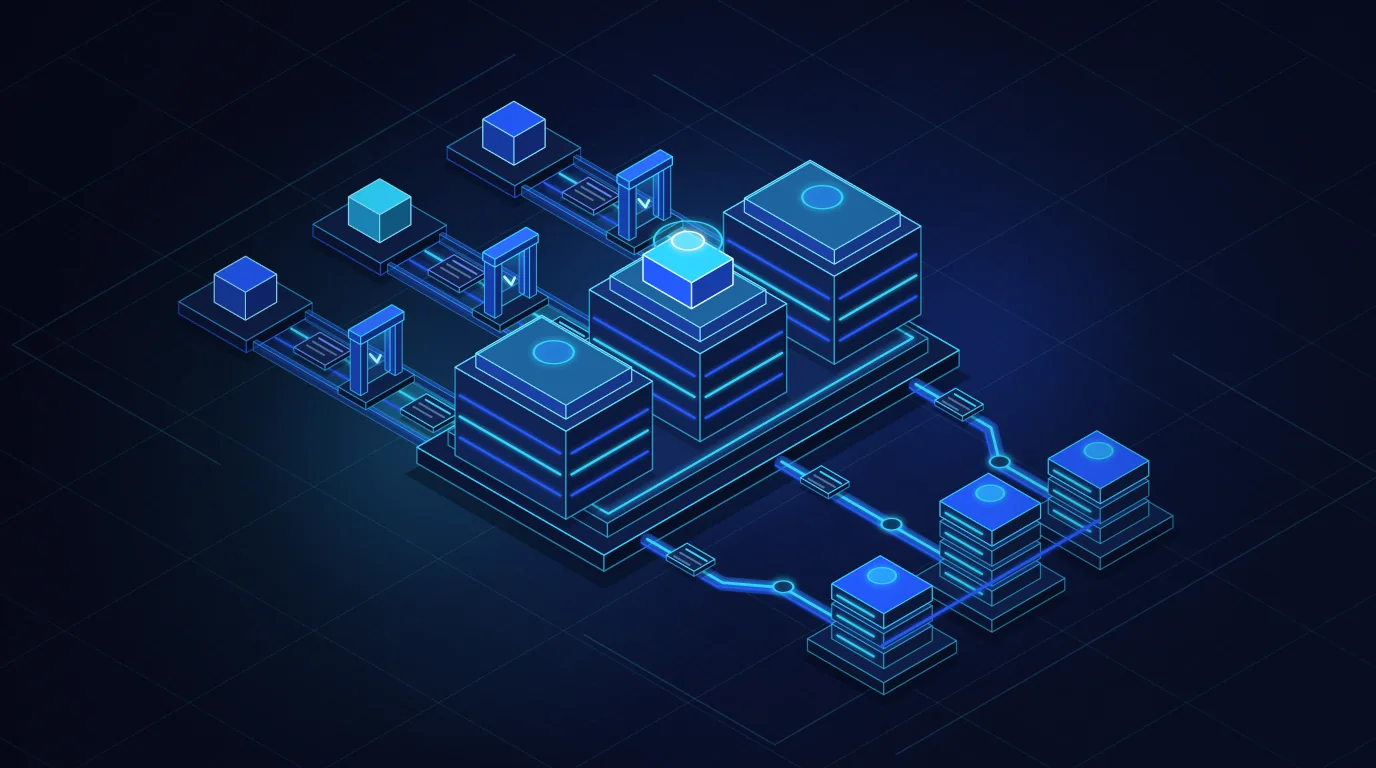
One governed workspace with role permissions, locked revisions and an audit log. Each client contact sees only role-authorized actions, new revisions lock older drafts automatically, and milestone sign-offs sync idempotently to the ERP.
Five Architectural Pillars of a Production B2B Client Portal
A B2B client portal is not a marketing site behind a login wall. It is a two-sided workspace governing what each role sees, what inputs advance a workflow, and how verified decisions reach internal systems. Durable architecture relies on five layers.
1. Tenant-Scoped Identity and Role-Based Access
The costliest mistake in early portals is tying records to individual emails rather than organizations. In B2B systems, the root boundary is the client organization (tenant), with scoped memberships beneath it: an operational contributor uploading site files, a finance approver reviewing quotes and invoices, and a client admin inviting or removing teammates.
Server-side isolation on every request: Every database query, mutation and file download enforces tenant isolation and role checks on the server, never just by hiding UI buttons. Sensitive files stay in private storage where the backend verifies session membership before issuing short-lived signed URLs.
2. Structured Document Collection and Verifiable Signature Trails
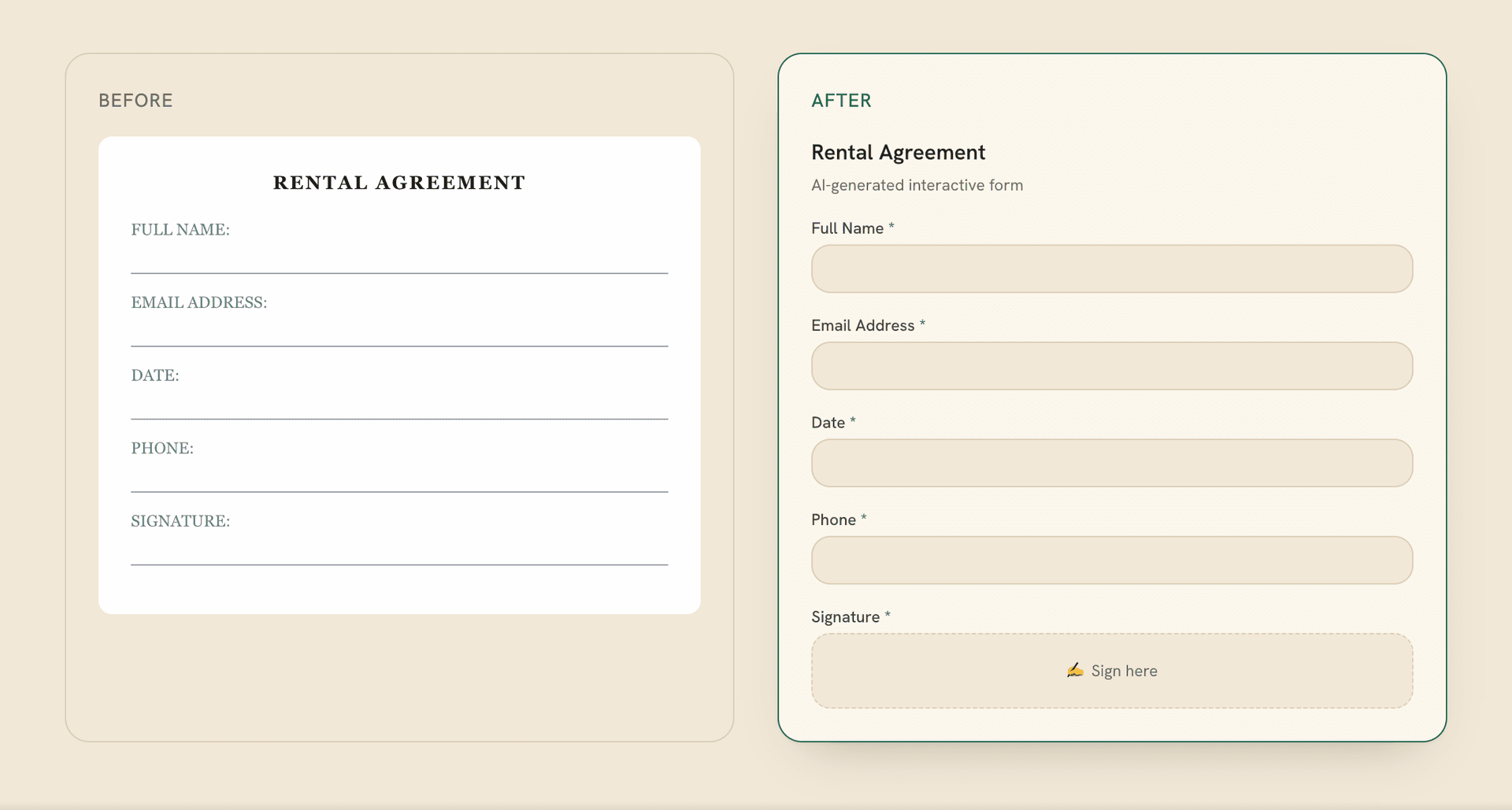
Instead of asking clients over email to "return all signed forms," a portal breaks intake into validated fields, conditional logic by contract type, file checks and multi-signer routing. Building a custom portal does not require reinventing form and e-signature infrastructure from scratch.
Teams can compose dedicated document infrastructure inside the portal. For example, Formalingo, a product built and operated by DevShift, turns a prompt or existing DOCX, PDF or CSV into a structured form with validation, conditional logic, multi-signer links and an audit trail, connected via a REST API (OpenAPI 3.1), embeddable forms and HMAC-signed webhooks. The portal keeps one unified workspace while receiving verified webhook events once all signers finish.
3. Explicit State Machines for Quotes, Milestones and Change Orders
Quotes, scope addenda and milestones are versioned records governed by explicit states: internal draft, awaiting client review, changes requested, approved, or superseded. Publishing Revision B atomically marks Revision A superseded so nobody approves stale terms by mistake. Every approval locks an immutable snapshot of the accepted items, user identity, role and timestamp.
4. Shared Audit Logs That Replace Disputes with Facts
Reconstructing project history from old inboxes creates friction when schedules shift. An append-only audit log records every key event: specification uploads, approval requests, document views and milestone sign-offs. Sharing a clear timeline with both internal staff and client leads prevents disputes early.
5. Resilient, Idempotent ERP and CRM Synchronization
Portal screens must stay fast even when an ERP or accounting API is slow or in maintenance. Decoupling the portal database via a transactional outbox queue and idempotency keys keeps screens responsive while preserving clear system-of-record rules: the CRM owns sales stages, the portal owns client intake and approvals, and the ERP owns purchase orders and invoices.
Illustrative Synthetic Scenario: Multi-Stakeholder Onboarding and Approval
Consider an illustrative industrial equipment provider delivering installations across a client's three sites. Instead of chasing drawings and sign-offs by email, the portal runs a four-step loop:
- Tenant provisioning and role invites: Closing the CRM deal provisions a workspace. The facility engineer gets contributor access for drawings, while the finance director gets approver access for commercial terms.
- Conditional readiness intake: Each site runs a readiness workflow with safety uploads and multi-party signatures; a signed webhook marks the site ready for dispatch once complete.
- Locked change-order revisions: When Site B needs extra power routing, the project manager publishes Addendum Revision B, superseding Revision A, and the finance approver signs off with one audited click.
- Idempotent ERP billing handoff: Once the site lead approves the handover checklist, an outbox worker sends an idempotent milestone completion payload to the ERP linked to the locked approval snapshot.
Architectural checkpoint: what happens if the ERP is unreachable when a client approves a milestone?
Client sign-off should never hang on a slow ERP timeout or vanish during maintenance. The portal writes the immutable approval and audit entry in its own database first, confirms receipt to the client right away, and queues the ERP job with a deterministic idempotency key so retries never create duplicate billing milestones.
Configuring Existing Tools vs Custom Web Portal vs Product Discovery
Not every workflow needs custom software. Collecting one standard form per deal without multi-role permissions or stateful ERP sync is faster with a dedicated form tool or off-the-shelf portal. When accounts involve multiple client roles, versioned approvals and backend sync, forcing CMS plugins to act as a permission model creates security and maintenance debt.
Where operational rules are clear, custom web portal and web-system development focuses on the client workspace, staff views, permissions and integrations. When the portal will become a commercial SaaS product or its MVP scope needs validation, digital product and MVP development defines roles and acceptance checks first.
Pre-Development Readiness Checklist
- Map tenant roles first: Define which files and approvals belong to contributors, finance approvers, client admins and staff.
- Set one system of record per field: Specify whether CRM, portal or ERP owns each status so sync jobs never overwrite authoritative data.
- Plan failure states: Define what users see when an upload is rejected, a revision needs edits, or an API sync is delayed.
- Agree handover early: Document code ownership, cloud access, and post-launch maintenance in the agreement.
A great B2B client portal does not add another inbox: it removes detective work across email, folders and finance.
Start with the highest-friction loop in your client lifecycle, from multi-contact onboarding to milestone approval, and build one tight workflow with strict tenant permissions and clean ERP sync.