In almost every company running field technicians, installers, or maintenance crews, the desktop CRM looks tidy only on a manager's monitor. Out on a rooftop or in a basement garage with dusty hands, no technician wants to fill out twelve dropdowns in a cramped web form. Instead of fighting the software, crews record a quick voice note, snap two photos, and drop them into a chat group for the office to untangle later.
Illustrative synthetic scenario: the field visit examples and workflow steps in this guide present architecture patterns for a custom AI CRM with MCP rather than live customer metrics, production telemetry, or delivery guarantees.
Why field teams quietly bypass desktop CRMs
Technicians do not skip CRM updates out of laziness; most CRMs were built around a desk and steady Wi-Fi. A form that asks someone holding a ladder to tap through nested tabs, wait on network calls, and type long fault notes on glass loses to WhatsApp every time.
Per-seat SaaS pricing compounds the problem. To keep license bills predictable, companies leave technicians outside the CRM or limit them to stripped-down views. Operational context fragments fast: fault notes sit in chat threads, spare parts are texted separately, and site photos stay buried in personal phone galleries.
Heavy forms, brittle signal, and seat taxes. Field staff delay updates until the drive home or send free-form messages in chat, leaving coordinators to retype notes into tickets and invoices.
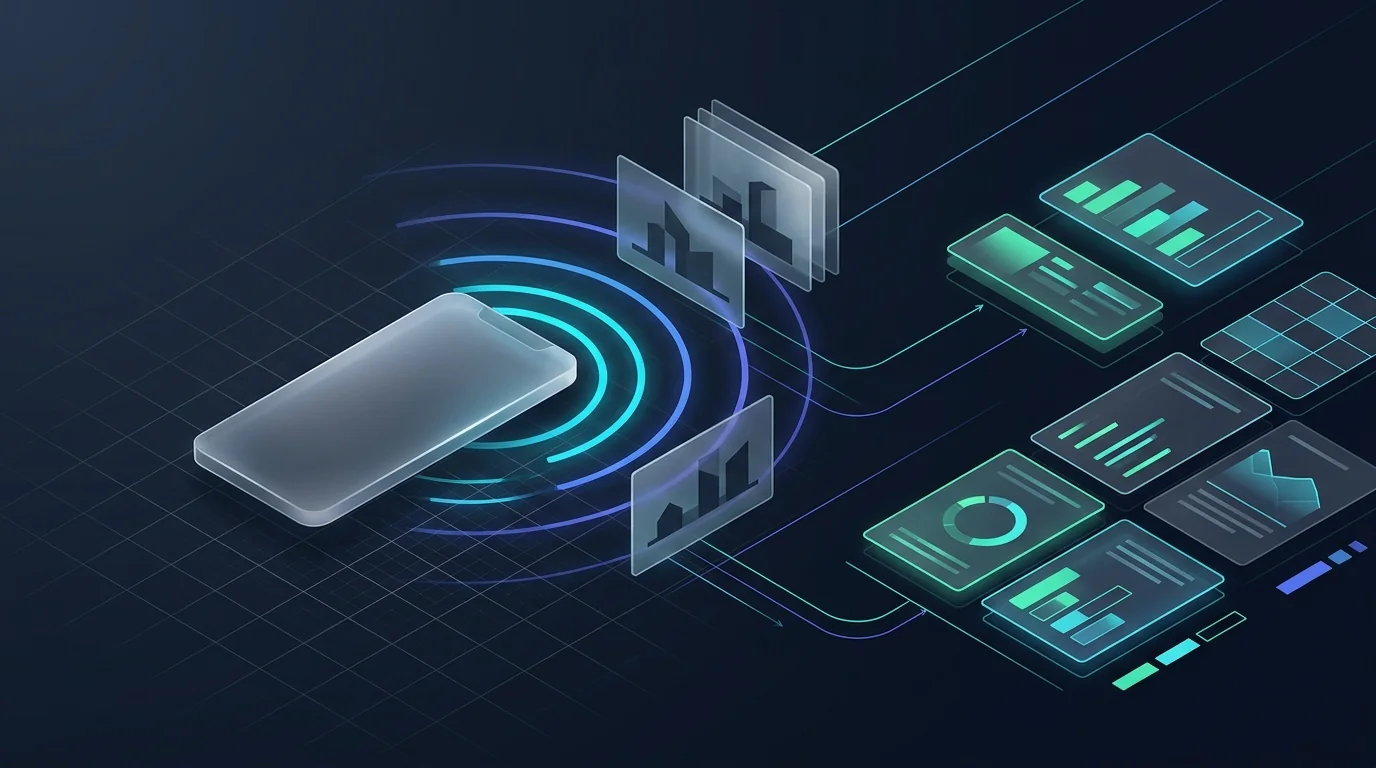
Voice notes and site photos captured in motion. Short audio and tagged photos become a structured draft inside an owned custom CRM core, reviewed with one tap before saving.
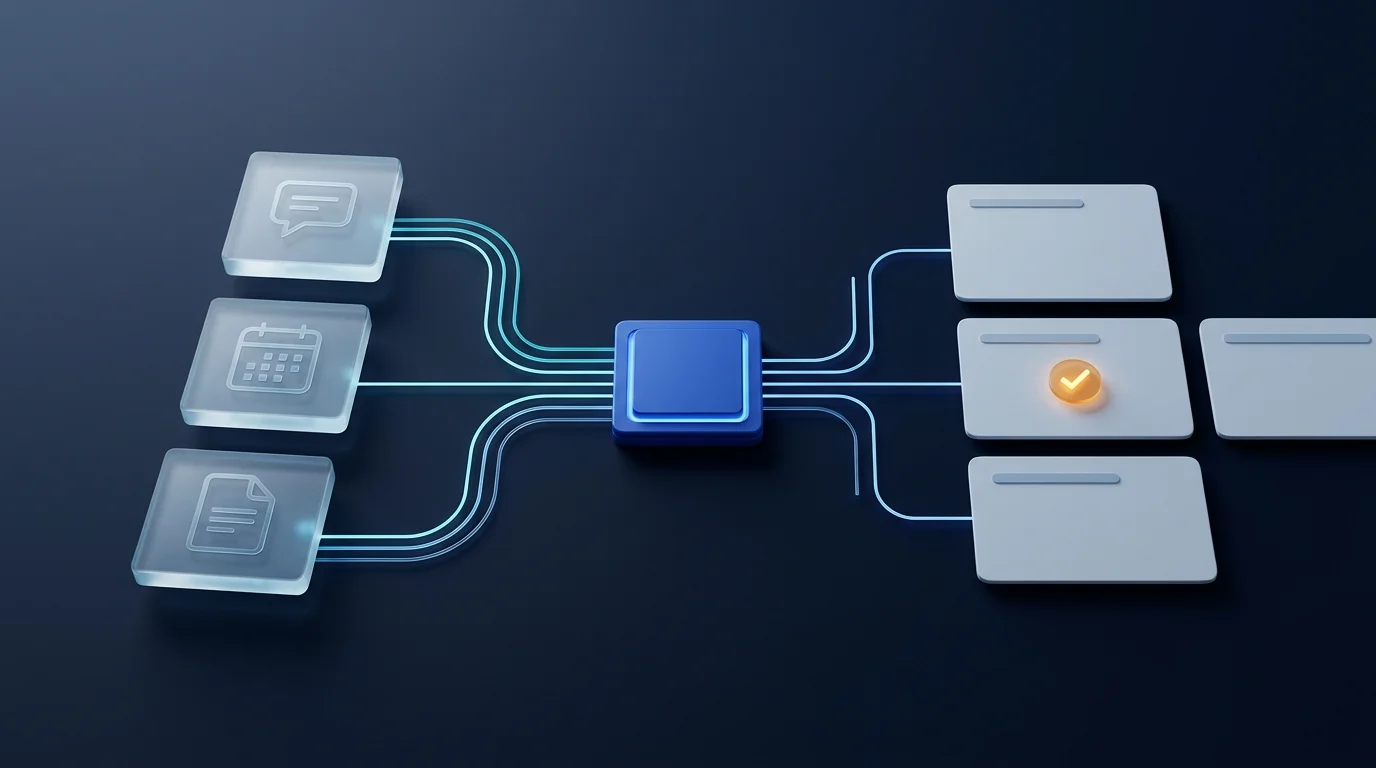
A purpose-built field service custom AI CRM flips the workflow around real field habits. Instead of forcing technicians to behave like data-entry clerks, the app captures the voice and visual evidence they already produce and turns it into typed operational records.
Mobile capture architecture: voice notes, photos, and offline queues
When scoping a custom field operations app, the primary job-closing screen should never resemble a spreadsheet. It needs three immediate actions reachable with one thumb: record a short wrap-up voice note, capture clearly framed site photos, and review the structured draft before tapping confirm. Whether to ship that interface as a lightweight mobile web app or invest in dedicated mobile app development with React Native or native Swift and Kotlin depends on offline durability and device hardware requirements.
One-handed wrap-up screen
A prominent hold-or-tap voice button, instant camera trigger, and clear visit outcome buttons replace multi-screen forms and irrelevant mandatory fields.
Local-first queue for dead zones
Audio clips, photos, and visit state commit to on-device storage first with an idempotency key, then sync automatically once the technician exits a basement or elevator.
Context-bound photo capture
Every image attaches directly to the active work order, asset tag, timestamp, and approved site record rather than piling up unnamed in the camera roll.
Voice-to-schema extraction
The AI layer maps conversational speech, including mixed Hebrew and English technical terms, into typed fields: fault observed, parts used, follow-up task, and urgency.
Scoping the capture surface tightly also keeps engineering budgets grounded. Reviewing how scope and architecture choices shape app development helps teams avoid building dozens of back-office screens before validating the mobile loop on real routes.
An illustrative walkthrough: turning a short wrap-up into a reviewed CRM record
Imagine an HVAC technician finishing preventative maintenance at a warehouse. Walking back to the van, they tap record: "Wrapped up unit three on the roof, replaced the primary filter and two ten-amp fuses, the compressor has a light vibration so we need a pressure sensor swap next week, and Danny asked for a quote." They snap two photos of the serial plate and compressor.
Without mobile CRM voice notes connected to a schema, that update disappears into chat. In a voice-to-schema workflow, the audio transcribes, images attach to the site ticket, and the system proposes structured database entries.
Through scoped MCP read tools, the assistant matches "primary air filter" and "pressure sensor" against approved SKUs on the customer's contract, then prepares two clean drafts: a follow-up visit ticket for dispatch and a line-item quote request for sales. That pattern echoes the review boundary in RoadProtect's fine-intake workflow: mobile capture stays fast at the edge, AI prepares a structured draft, and a human verifies and submits the final action.
What happens when transcription is noisy or the model is unsure about a part SKU?
Whenever background compressor noise obscures a serial digit or two replacement parts look similar, the mobile draft highlights the uncertain field beside the original audio snippet so the technician can correct it on the spot. Inventory deductions, purchase requests, and client quotes always wait for explicit human approval.
Handling noisy job sites, mixed languages, and human sign-off
Real field audio rarely sounds like a studio podcast. Technicians speak beside running machinery, wind on rooftops, and traffic along highways, often mixing local phrasing with English manufacturer codes and part numbers. Treating transcription as a blind raw prompt produces brittle results unless the pipeline grounds the model in operational context.
- Ground extraction with site and asset context: Pass the active account's installed equipment list and common job-type parts into the schema prompt so the model resolves spoken terms against real catalog candidates instead of inventing SKUs.
- Keep the review card scannable in seconds: Present short, editable chips for parts used, issue summary, follow-up action, and attached photos. Correcting one pre-filled tag takes far less effort than typing a report from scratch.
- Preserve source audio and transcripts for auditability: Link every structured field back to the timestamped voice note and photo batch inside the account timeline so coordinators and supervisors can verify details if a dispute arises.
- Separate field confirmation from commercial approval: Let technicians approve technical facts, parts consumed, and follow-up urgency from the phone, while dispatchers and account managers review billing rates and client-facing quotes in the office.
Start with one high-friction field loop before expanding
When planning custom product and operational system development for mobile crews, the riskiest mistake is attempting to replace dispatch, payroll, warehouse ERP, and customer invoicing in a single launch. Instead, isolate the single loop where information leaks most today: almost always the end-of-visit summary and follow-up handoff.
Audit your technician chat group for one week. If field staff already rely on short voice memos and job-site photos to avoid typing reports, the habit is already proven. Give them a cleaner capture button wired straight into your CRM.
Roll out a bounded pilot to a small group of technicians and one dispatcher, test audio capture beside real machinery and weak signal, measure how smoothly drafts turn into clean follow-up tickets, and only then layer on customer sign-off on glass, automated visit PDFs, or accounting sync.
Great field software feels like a reliable pocket assistant, not extra paperwork after hours.
Collect ten real technician updates from last week, map the recurring fields and the decisions that must stay human-approved, and design one mobile wrap-up flow your crew will actually want to use.