A business mobile app tested only on office Wi-Fi fails the first morning a technician enters an underground garage, a driver crosses a dead zone, or an inspector photographs paperwork inside a freight elevator. Across field operations, logistics, and daily customer workflows, continuous connectivity is a risky assumption. What separates a tool teams trust from an app they bypass with ad-hoc messages is local-first persistence, reliable media capture, and deterministic conflict resolution with backend APIs.
Illustrative synthetic scenario: the field walkthroughs and sync drills in this guide present architectural design recommendations for mobile app development rather than client case-study metrics or uptime guarantees.
Choosing the Platform Foundation: Native, React Native, or Browser PWA
Early in scoping, teams choose between separate native apps in Swift and Kotlin, shared application logic in React Native, or an installable browser Progressive Web App (PWA). The sound answer depends on hardware access, offline durability, and long-term maintenance ownership.
Where Shared React Native Architecture Fits Field Workflows
When the core journey centers on structured task lists, dynamic inspection forms, local database queues, camera document intake, and authenticated API sync, React Native lets one team build the state machine, validation rules, and offline outbox once across iPhone and Android. Permissions, background transfers, and accessibility still need acceptance testing on physical devices across both platforms, while shared domain logic prevents rule drift between two codebases.
When Dedicated Native Leads and Where PWAs Hit Operational Limits
Dedicated Swift and Kotlin development fits products that rely on continuous Bluetooth Low Energy hardware telemetry, real-time camera frame processing, or strict background scheduling under tight battery budgets. By contrast, a browser PWA suits occasional connected forms, yet heavy field work quickly hits browser sandbox limits: mobile operating systems can evict browser storage under memory pressure, background sync varies across browsers, and camera or push prompts add friction. Defining first-release boundaries during digital product and MVP development and testing target handsets early avoids costly mid-build rewrites.
Engineering a Local-First Outbox for Garages, Basements, and Dead Zones
Consider an illustrative synthetic scenario where an HVAC and fire-safety technician inspects equipment across three underground levels with zero signal. If every save awaits a synchronous HTTPS call behind a spinner, work stalls at the first stairwell. In a local-first architecture, screens read and write directly to a transactional database on the handset, such as SQLite, decoupling user actions from immediate network availability.
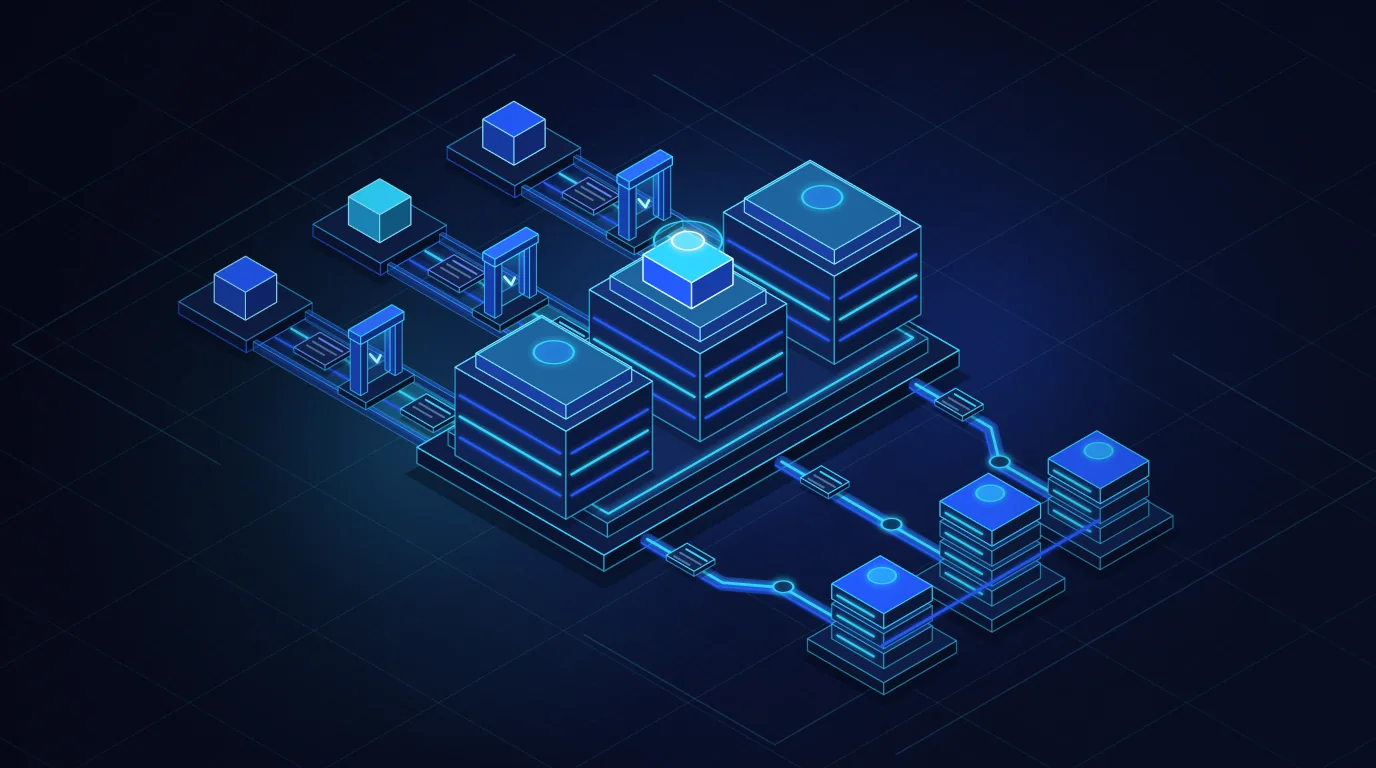
Every save blocks on a live HTTPS round-trip. Entering a freight elevator or basement freezes the screen behind a spinner, drops half-filled inspection forms and pushes crews back to paper notes.
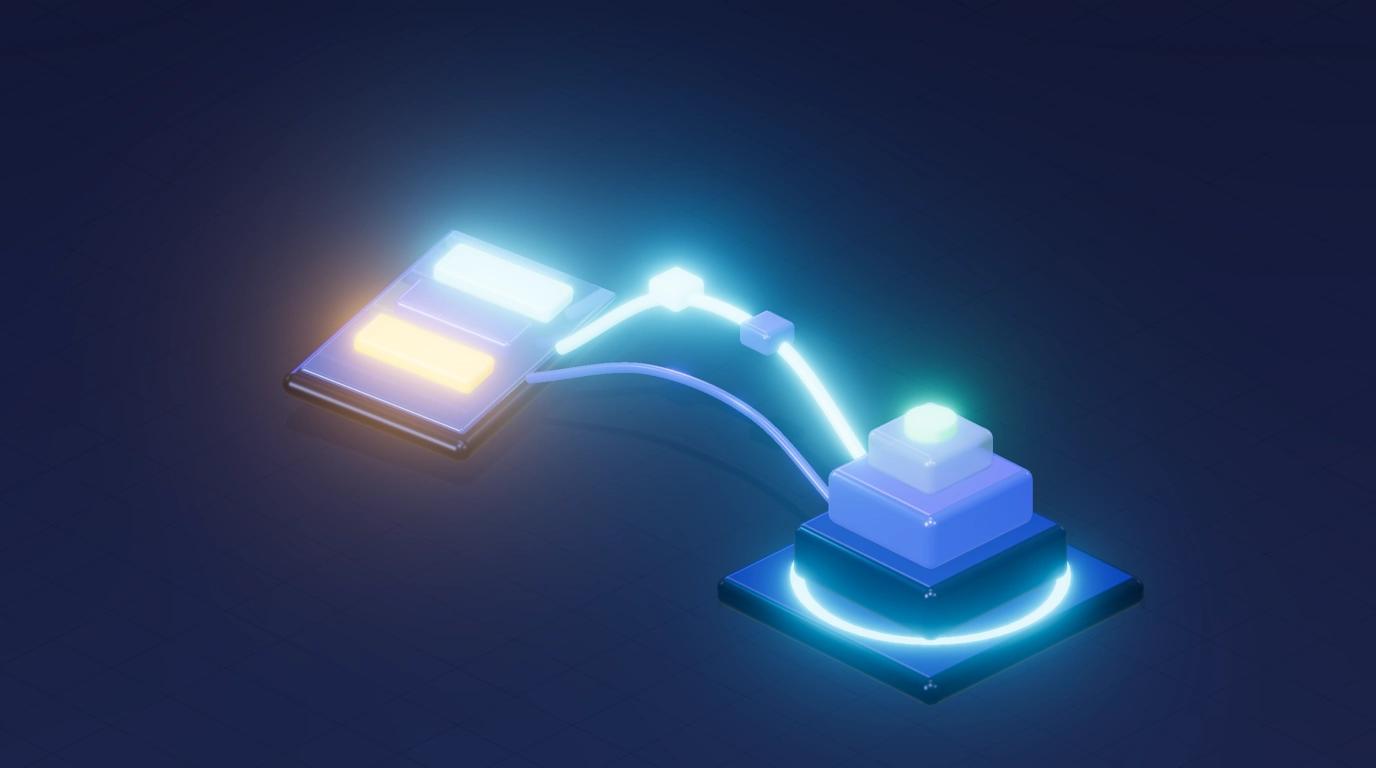
Screens read and write directly to on-device storage. Inspections, photos and signatures commit locally in milliseconds with a clear pending-sync state, then drain in causal order once signal returns.
A dependable synchronization engine rests on four outbox invariants:
Local transactional commit first
Every form entry, status change, or signature writes atomically to device storage first and updates the screen immediately with a pending-sync badge.
Client-generated idempotency keys
Each queued mutation carries a unique ID created on the handset. If a tunnel drops the response after the server commits the write, replaying that command returns the stored outcome instead of duplicating work orders.
Causal ordering across dependent records
When a technician creates a follow-up defect offline and attaches parts and photos, the outbox preserves local references and drains parent records ahead of child attachments upon reconnection.
Battery-aware retry and backoff
Instead of tight polling loops that drain battery in dead zones, the sync worker listens to OS reachability events and applies bounded backoff on transient server errors.
Camera, Document, and Voice Capture Pipelines on the Move
Technicians, drivers, and customers rarely type long paragraphs on glass keyboards beside equipment or vehicles. They photograph serial plates, scan signed delivery dockets, upload notices, or record short voice notes between stops. Public product workflows show why edge capture ergonomics and human review belong together: in RoadProtect, a venture co-owned by DevShift and the Badger Group and built and operated by DevShift, drivers and fleets intake traffic fines by photo, upload, or integration so AI can flag possible appeal grounds and prepare a draft that the user reviews, edits, and submits. Edge legibility governs downstream quality, and human review stays explicit before submission.
A resilient capture pipeline separates instant UI response from large binary uploads over unstable cellular links:
- Immediate on-device legibility checks: Check framing, focus, and lighting while the worker stands before the document or meter, preventing repeat visits caused by unreadable photos.
- Decoupled metadata and resumable uploads: Sync lightweight structured task state first so coordinators see progress within seconds on weak signal, while photos and voice notes stream asynchronously in resumable chunks.
- EXIF normalization, compression, and cache cleanup: Normalize camera orientation, compress images to practical inspection dimensions before queuing, and clear local media cache only after durable cloud storage is confirmed.
- Explicit draft boundaries for OCR and voice notes: Present speech-to-text transcripts and extracted document fields as editable user drafts rather than silently locking unverified text into system records.
Conflict Resolution Without Silently Erasing Field Work
Persisting actions offline is simple compared with reconciling state when connectivity returns hours later and server records have moved on. Naive last-write-wins replacement of full records causes silent data loss: an underground inspection sync overwrites an urgent hazard note added by dispatch, or an office edit wipes out parts logged offline.
Rather than uploading stale full-record snapshots, resilient field APIs model mobile mutations as narrow domain commands and append-only events: recording a meter reading, attaching a defect photo, or signing off a checklist step. Independent updates merge cleanly on the server, reserving conflict queues for real operational collisions.
Illustrative conflict drill: what happens when dispatch reassigns a job while an offline technician completes it on site?
When the technician leaves the basement and the handset replays its signed completion log and consumed parts against a ticket reassigned on the server, the API never discards the field payload or blocks with an opaque error. It stores the immutable inspection evidence, halts duplicate dispatch to the second crew, and opens a reconciliation item so a supervisor can finalize scheduling and billing transparently.
App Store, Google Play, and Multi-Version Release Discipline
Deploying a web service updates every browser session on the next load; shipping an iOS and Android app means supporting multiple client versions in the field at once. Staff rarely update apps mid-shift, and breaking an API contract can strand unsynced offline queues on older builds.
- Separate team acceptance from Apple and Google review gates: Internal acceptance testing and store approval are distinct milestones. Account verification, privacy declarations, and permission justifications for camera, microphone, or location sit under Apple and Google control, so exact publication dates cannot be promised in advance.
- Additive API evolution and version gates: Keep backend endpoints backward-compatible across active builds so older clients drain pending offline queues cleanly before prompting for a required store update.
- Tested local database migrations: Run automated SQLite schema migration checks against populated offline outboxes so store updates never wipe unsent field work.
- Clear ownership of store accounts and telemetry: Establish organization-owned Apple Developer and Google Play Console accounts, signing keys, staged rollouts, and crash monitoring before launch.
A field app proves its worth when reception drops to zero and work finishes cleanly.
Scope the first release around one critical workflow, design local queues and media capture for real field conditions, and pair idempotent APIs with disciplined store releases.